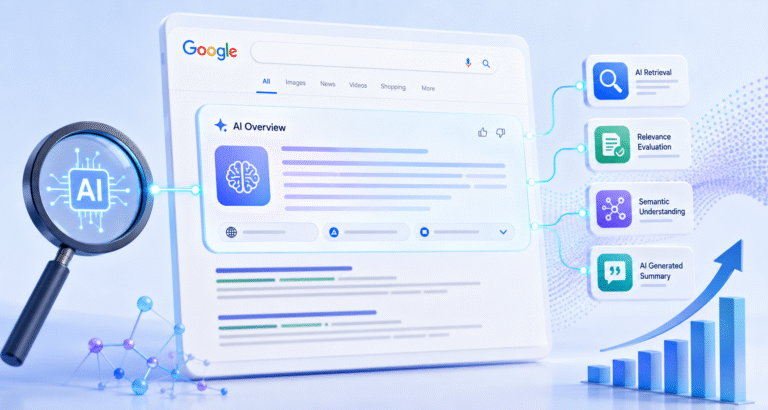
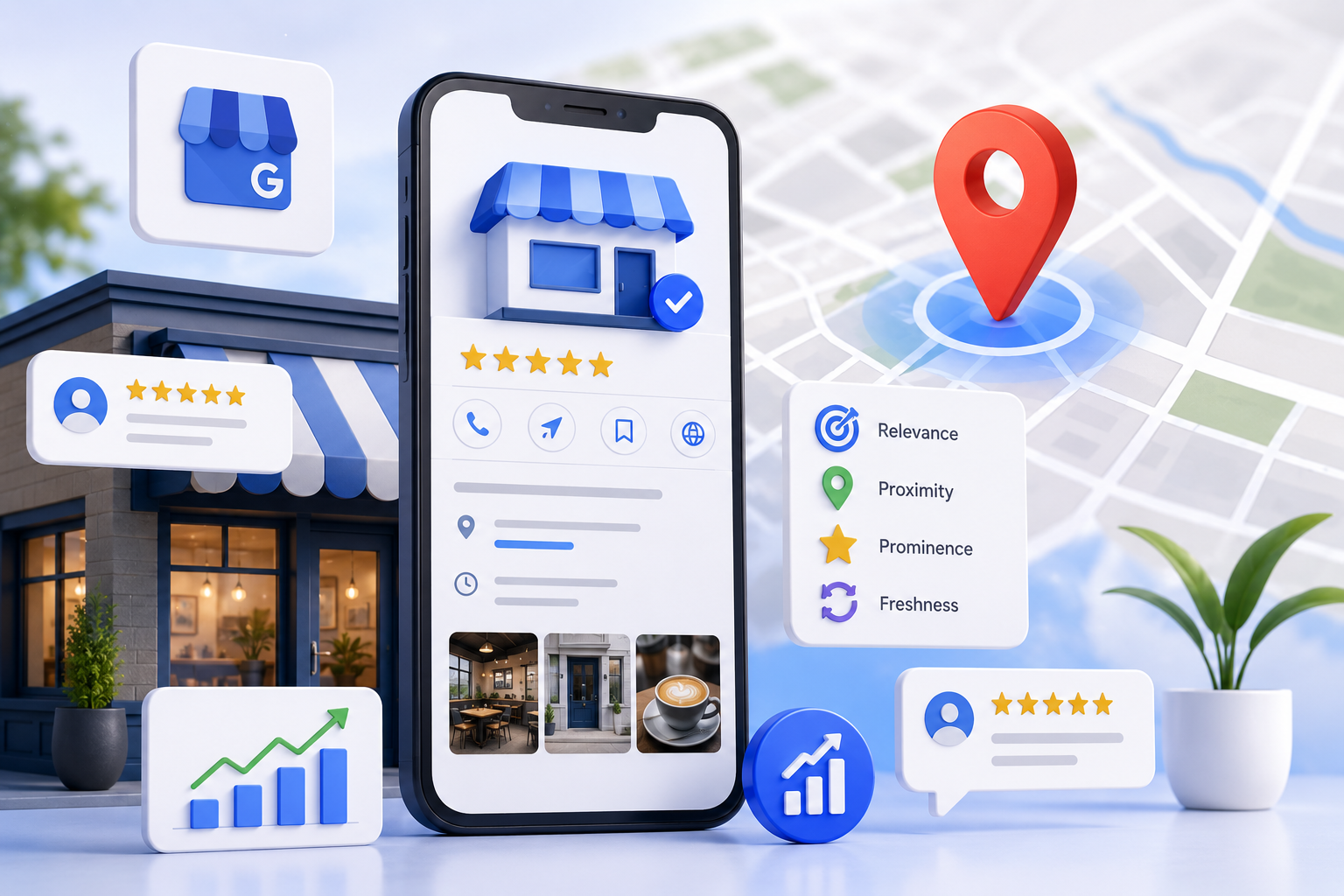
Your Google Business Profile (GBP, formerly Google My Business) is often the most powerful free tool for local visibility. An optimized profile can dominate the local pack, Google Maps, and AI Overviews, driving calls, directions, website clicks, and foot traffic.
Businesses with complete, active profiles see higher rankings and engagement. In 2026, Google weighs relevance, proximity, prominence, plus freshness signals like posts, photos, and review responses more heavily amid AI-driven search.
This guide shows exactly how to optimize Google Business Profile for maximum results. You’ll get a complete checklist, proven tactics, examples, and strategies that top performers use.
What You’ll Learn:
- Core ranking factors in 2026
- Step-by-step optimization
- Advanced tactics for reviews, visuals, and content
- Measurement and ongoing maintenance
- Future-proofing for AI search
Why Google Business Profile Optimization Matters More Than Ever
Google Business Profile powers the local pack (Map Pack), knowledge panels, and voice/AI responses. Optimized profiles appear more frequently and convert better.
Key Benefits:
- Increased local search visibility
- Higher click-through rates (photos and posts boost engagement)
- Better trust signals via reviews and completeness
- Direct actions: calls, directions, messages, bookings
2026 Local Ranking Factors Snapshot (Relevance + Proximity + Prominence + Activity):
| Factor | Importance | Actionable Tips |
|---|---|---|
| Relevance (Categories, Description, Services) | High | Primary category match; keyword-rich but natural text |
| Proximity | High (for location-based) | Accurate address; service areas |
| Prominence (Reviews, Citations, Authority) | High | Review velocity + quality; consistent NAP |
| Activity (Posts, Photos, Q&A) | Growing | Regular updates signal freshness to AI |
| Behavioral (Clicks, Calls, Directions) | Significant | Engaging profile drives interactions |
Key Takeaway: Completeness and consistent activity win in 2026.
Step 1: Claim, Verify, and Complete Your Profile Basics
Search your business on Google or visit business.google.com to claim it.
Verification Options: Postcard, phone, email, video (depending on eligibility). Verify promptly—unverified profiles don’t rank well.
NAP Consistency (Name, Address, Phone): Match exactly across your website, directories, and citations. Inconsistencies hurt rankings.
Hours: Set regular and special/holiday hours. Accurate hours improve “open now” visibility.
Business Description: Up to 750 characters. Include who you are, services, location, and unique value. Use natural keywords (e.g., “plumbing repairs in Goa”).
Example (Coffee Shop): “Brew Haven in Madgaon, Goa, serves specialty coffee, fresh pastries, and community events. Our baristas craft the perfect latte using locally sourced beans. Visit us for a cozy workspace or quick takeaway.”
Key Takeaways Box:
- Claim and verify immediately
- Ensure 100% NAP consistency
- Write a compelling, keyword-aware description
Step 2: Master Categories for Relevance
Your primary category is one of the strongest ranking signals. Choose the most specific, accurate one (e.g., “Coffee Shop” not “Cafe” if that’s the best fit). Add up to 9 secondary categories.
Tips:
- Research competitors’ categories via Google search
- Avoid overly broad or spammy choices—Google may re-verify or suspend
- Update if your offerings change
This directly impacts which searches your profile matches.
Step 3: Optimize Services, Products, and Attributes
Services: List all with descriptions and prices (where applicable). Use customer search language.
Products: Ideal for retail/e-commerce. Add images, prices, and CTAs.
Attributes: Select all relevant (e.g., “Wheelchair accessible,” “Women-owned,” “WiFi,” “Outdoor seating”). These enhance filtering and trust.
Step 4: Visual Content Strategy – Photos and Videos
Photos are crucial for engagement and rankings. Profiles with high-quality, diverse images perform better.
Recommended Minimums:
- 1 Logo (profile photo)
- 1 Cover/hero image
- 10–30+ total owner-uploaded photos (exterior, interior, team, products/services, action shots)
- Add new ones regularly (weekly/bi-weekly for activity signals)
Best Practices:
- High-resolution, well-lit, authentic (no heavy stock)
- Include people (with permission), before/after, geotagged where relevant
- Optimize filenames and alt text internally (e.g., madgaon-coffee-shop-interior.jpg)
- Add videos and 360° tours for immersion
Image Suggestion Example: google-business-profile-optimization-photos-checklist-2026.jpg (Infographic: Photo types by category with counts)
Step 5: Reviews – Your Most Powerful Trust and Ranking Signal
Reviews influence prominence heavily. Aim for steady velocity (new reviews consistently) over bulk.
Strategies to Get More Reviews:
- Ask at point-of-sale or via automated follow-up (email/SMS)
- Use review links (shortened, branded)
- Offer excellent service—happy customers review more
- Respond to every review thoughtfully, incorporating keywords naturally
Response Best Practices: Thank, address specifics, invite back. Even negative reviews deserve professional replies.
Target 4.5+ stars. Quantity, recency, and relevance matter.
Step 6: Leverage Google Posts and Q&A
Posts: Publish 1–2+ per week (offers, events, updates, news). They appear in search and signal activity. Include CTAs (Book, Call, Learn More) and images. Posts expire after 7 days but stay in profile history.
Q&A: Proactively add common questions and answers. Monitor and respond quickly to user questions—this builds completeness and answers AI queries.
Step 7: Advanced Optimization and Tools
- Messaging & Booking: Enable and link to calendars
- Website Link: Point to optimized local landing page
- Insights: Track searches, views, actions in GBP dashboard. Use data to refine
- Consistency Across Web: Audit citations with tools like Semrush or BrightLocal
- Schema: Add LocalBusiness schema to your site for enhanced rich results
For Service-Area Businesses: Define precise service areas instead of hiding address if eligible.
Measuring Success and Common Mistakes to Avoid
KPIs:
- Profile views, search impressions
- Actions (calls, directions, website clicks)
- Local pack ranking (track manually or with tools)
- Review count/velocity/rating
Avoid:
- Keyword stuffing in name/description
- Fake reviews or manipulative tactics (risks suspension)
- Outdated info
- Ignoring mobile experience
Hypothetical Case Study: A Goa restaurant implemented full optimization: correct categories, 25+ photos, weekly posts, review requests. Result: 40%+ increase in Map views, more reservations within 3 months.
Future Trends: AI Overviews and Beyond
Google increasingly pulls from optimized GBPs for AI summaries. Complete profiles with fresh content and strong reviews position you favorably. Focus on entity signals, user behavior, and genuine engagement.
Conclusion
How to optimize Google Business Profile is an ongoing process of completeness, accuracy, activity, and customer focus. Implement these steps systematically, and you’ll see improved local visibility and business growth.
Start today: Audit your profile against this checklist, make quick wins (photos, description, categories), then build habits for posts and reviews.
Ready to dominate local search? Share your biggest GBP challenge in the comments. Subscribe to SearchEngineSonic for more advanced SEO and AI strategies.